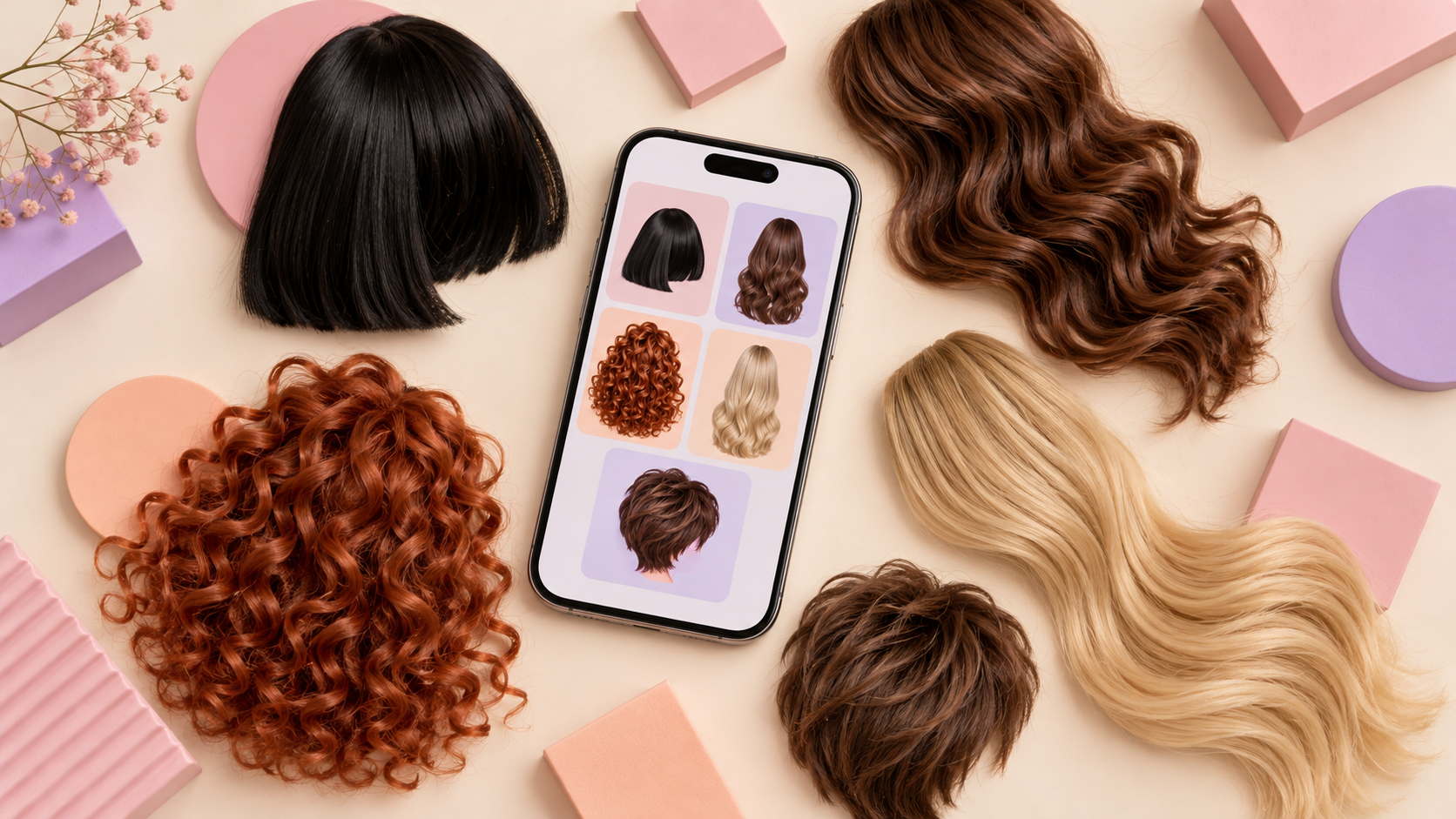
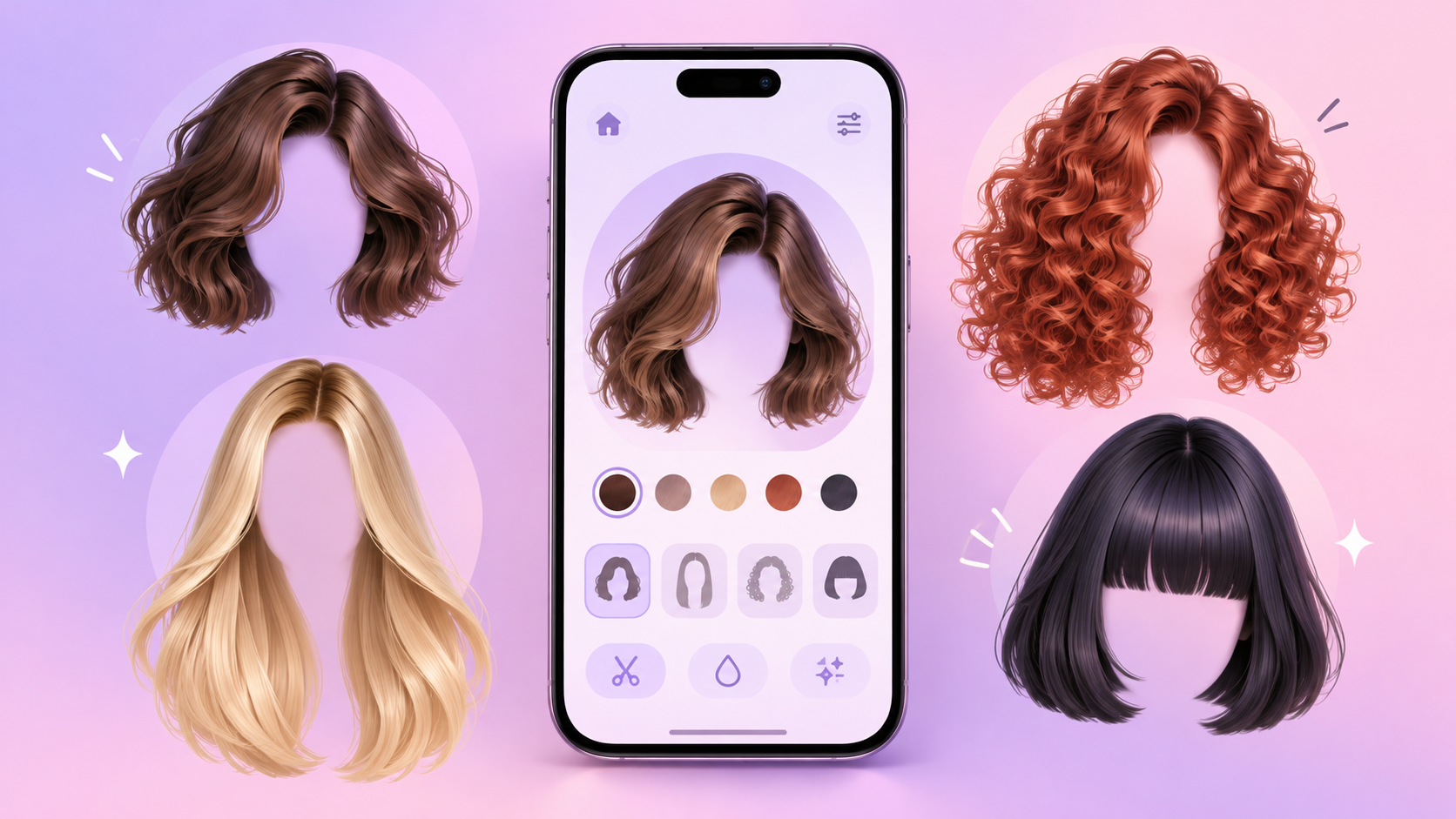
YouCam Makeup is a beauty editing app that lets you try out different haircuts, hairstyles, and hair colors using a photograph. You can download the app below and start experimenting with new looks directly from your phone before making a final decision.

YouCam Makeup: Face Editor
Try different haircuts
One of the main functions of YouCam Makeup is hairstyle simulation. The user can select a photo from their gallery or take a new photo within the app. After that, they simply access the hair tools to find styles with different lengths, shapes, and finishes.
The catalog includes options for those who want to visualize short, medium, or long hairstyles. It's also possible to find styles with bangs, layers, volume, and different hair partings. This variety makes it easier to compare subtle changes with more dramatic transformations.
The app uses artificial intelligence to position the hairstyle over the photograph. It identifies the face and attempts to adjust the hair to the head shape. The result serves as a visual reference to help the user discover which styles they want to consider.
Try new colors without dyeing your hair.
In addition to haircuts, YouCam Makeup offers a tool to virtually change hair color. You can try out natural shades like black, brown, blonde, and red, as well as more intense and modern colors.
This feature can be useful for those thinking about lightening, darkening, or completely changing the tone of their hair. In just a few moments, the user can compare various possibilities without applying chemical products to their hair.
Some options also allow you to adjust the color intensity. This way, you can create a softer effect or see how a strong shade might appear in a photograph. The actual result will still depend on the current color and characteristics of your hair, but the simulation helps to organize your ideas.
How to get a better simulation
For the app to correctly recognize your hair, choose a photo taken from the front in a well-lit environment. Your face should be centered, and accessories such as hats or objects near your head should be avoided.
Dark photos or photos taken from the side can make the hairstyle look messy. It's also a good idea to try the same haircut in more than one image, as lighting and angle can alter the appearance of the simulation.
After choosing a style, the user can adjust its position and see if the hair complements the face shape. Making small adjustments helps create a more natural preview and makes it easier to compare with other options.
YouCam Makeup: Face Editor
Compare your favorite looks
One of the strengths of YouCam Makeup is the ability to test various styles in sequence. Instead of quickly choosing the first option, the user can create versions with different cuts and colors to analyze calmly.
Favorite images can be saved to your phone. This makes it easier to compare results or show references to friends and family. You can also take the images to the hairdresser to explain which length, color, or finish caught your eye the most.
A simulation is not a substitute for a professional assessment. Hair type, volume, texture, and maintenance requirements can influence the final result. However, arriving at the salon with some references makes the conversation clearer and helps the professional understand the desired look.
Other resources available
YouCam Makeup isn't just about hair. The app also features virtual makeup tools, photo retouching, and appearance adjustments. These features allow you to see how your new hairstyle complements different makeup styles.
Even with several functions available, the app presents menus organized by categories. The user can select only the hair-related tools and ignore the other features when they want a simpler experience.
Some styles and features can be used for free, while others require a subscription or in-app purchase. Before confirming any plan, it is recommended to check the price, billing period, and which tools are included.
A tool for planning change.
YouCam Makeup can help those who haven't yet decided which cut or color they want to try. In just a few minutes, users can create different versions of their own photograph and visualize ideas that would be difficult to imagine without a reference.
The ease of use, variety of styles, and artificial intelligence tools make the app a practical option for exploring new looks. It can be used both to plan a real change and to experiment with hairstyles just for fun.
To make the most of the app, save only the options that really caught your attention. Then, compare the details of each image and talk to a professional about what can be adapted to your hair. In this way, the simulation becomes a useful starting point for choosing your next look.