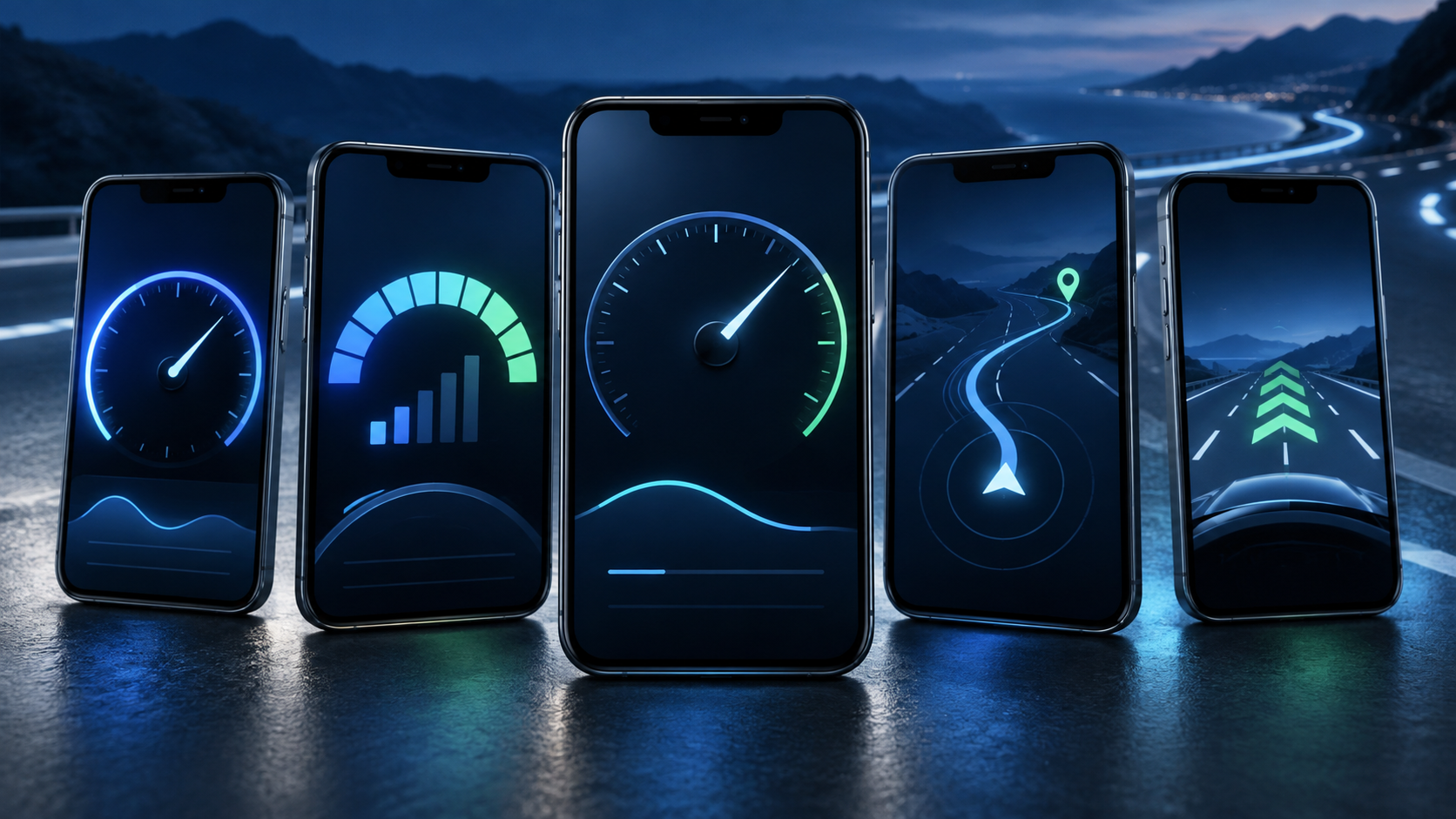
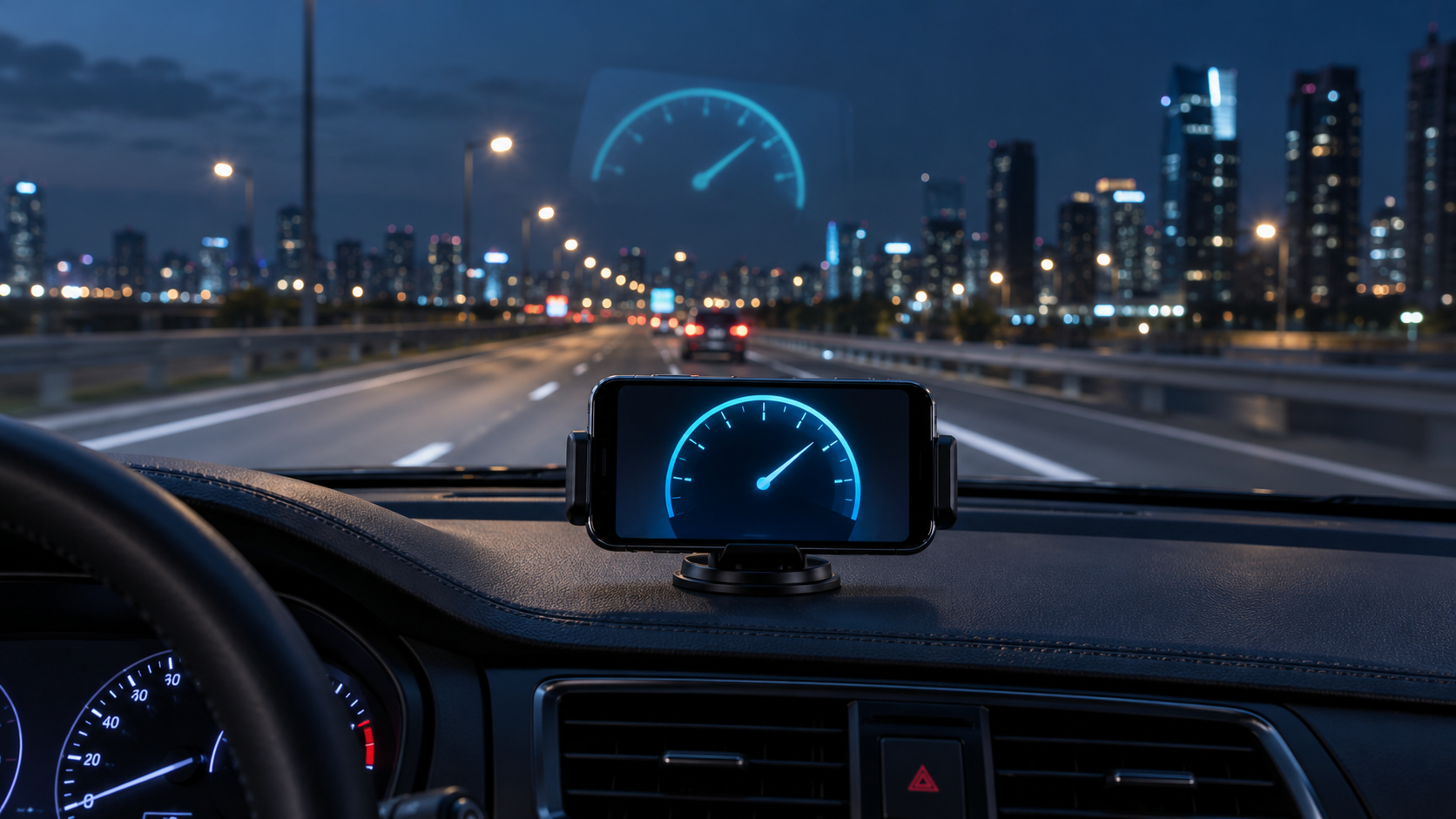
GPS speedometer apps transform your phone into a dashboard capable of displaying speed, distance, and route information. Some options also have a HUD mode, which mirrors the numbers to create a reflection on the windshield at night. Below you can download five apps available on Google Play and compare their main features.
GPS Speedometer: Odometer
Developed by KTW Apps, the GPS Speedometer: Odometer uses the phone's location to calculate current, average, and maximum speed. The app also records distance, duration, and other important route information.
Its HUD mode displays the numbers in a mirrored fashion so that they are reflected on the windshield. The feature works best at night, when the difference between the illuminated screen and the dark environment makes the reflection more visible.
The app also offers configurable speed alerts, trip history, and a floating window that can maintain speed over some map applications. It's possible to choose units such as kilometers per hour, miles per hour, knots, and meters per second.

GPS Speedometer: Odometer
GPS HUD speedometer
The WonderTech Studio GPS HUD Speedometer features a simple interface for tracking speed, distance, and travel time. Once location permission is granted, simply start measuring before beginning your journey.
In addition to the digital instrument panel, the app includes an odometer and HUD mode. The aim is to offer a quick reading, with large numbers and few elements on the screen. This makes it easier to view when the phone is placed in a holder on the dashboard.
Since the measurement relies on GPS, the result may vary in tunnels, garages, covered areas, or locations surrounded by buildings. The app works best when the device can receive the satellite signal without significant obstacles.

GPS HUD speedometer
GPS speedometer and odometer
The Morkam 88 GPS Speedometer and Odometer combines a clean display with tools for recording trips. It shows current speed, distance, duration, average speed, and maximum speed.
One of its advantages is its offline functionality for basic measurements. The phone doesn't need to be connected to mobile data to calculate speed when GPS is available. Features related to maps or other online information may require a connection.
The app also offers HUD mode, speed alerts, and a floating speedometer. On compatible devices, the floating window allows you to keep a small reading visible while another app is open.

GPS Speedometer & Odometer
Digital Speedometer: Odometer
The Simple Design Digital Speedometer: Odometer offers different ways to display speed. The user can switch between digital and analog displays, as well as choose units such as km/h, mph, and knots.
The HUD mode mirrors the speed onto the windshield, while the odometer records the distance traveled. The app can also track maximum speed, location, and route information.
Its variety of panels allows you to adapt the display to the type of activity. It can be used in cars, motorcycles, and bicycles, provided the cell phone is secured in a suitable holder and configured before use.

Digital Speedometer - Odometer
GPS Speedometer and Odometer with HUD
The GPS Speedometer and Odometer with HUD combines real-time speed, distance, and trip history in a single interface. The app offers an easy-to-read dashboard and allows you to track various statistics during your ride.
In addition to HUD mode, it features a trip meter, average speed, maximum speed, and configurable alerts. Some functions also help to check directions and location on a map.
The app may be interesting for those who want to record routes and compare information after the trip. However, the availability of free features and in-app purchases should be checked directly on the current Google Play page.

GPS Speedometer & Odometer
How to choose the best option
To choose an app, first check if it has a mirrored HUD mode. A regular digital dashboard may correctly display the speed on the screen, but its reflection will appear inverted on the windshield if there is no dedicated HUD function.
It's also worth comparing odometer readings, offline functionality, alerts, trip history, and readability. Apps with large numbers, strong contrast, and few elements tend to be better suited for nighttime glare.
Configure everything with the vehicle parked. Secure the device to a safe base, keep it out of the airbag area, and never change settings while driving.
The speed calculated by GPS may differ from the original speed shown on the dashboard. Tunnels, garages, and areas with weak signal can also cause fluctuations. Therefore, these apps should be used as auxiliary tools, keeping the vehicle's dashboard, signage, and road conditions as the primary references.