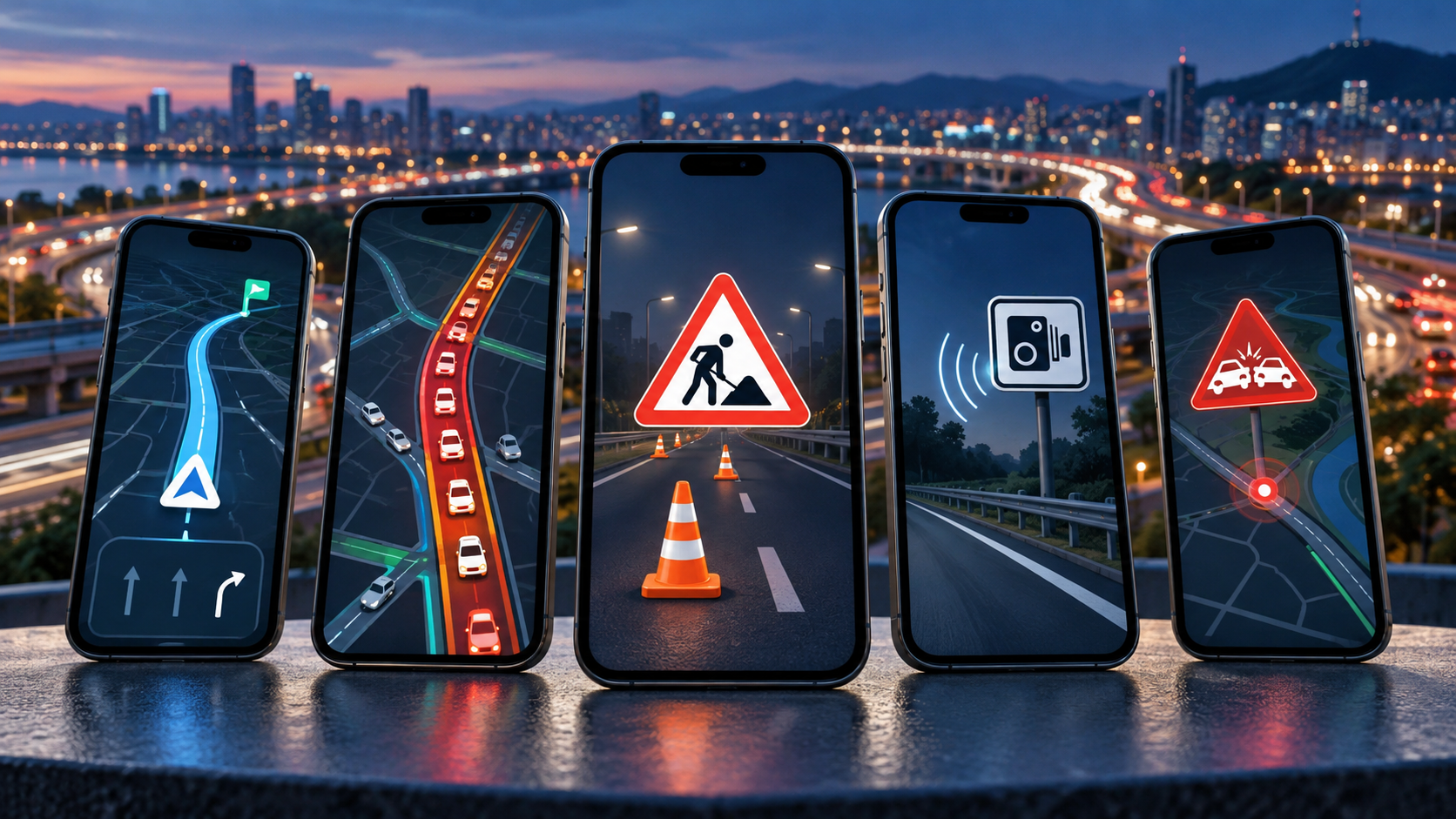
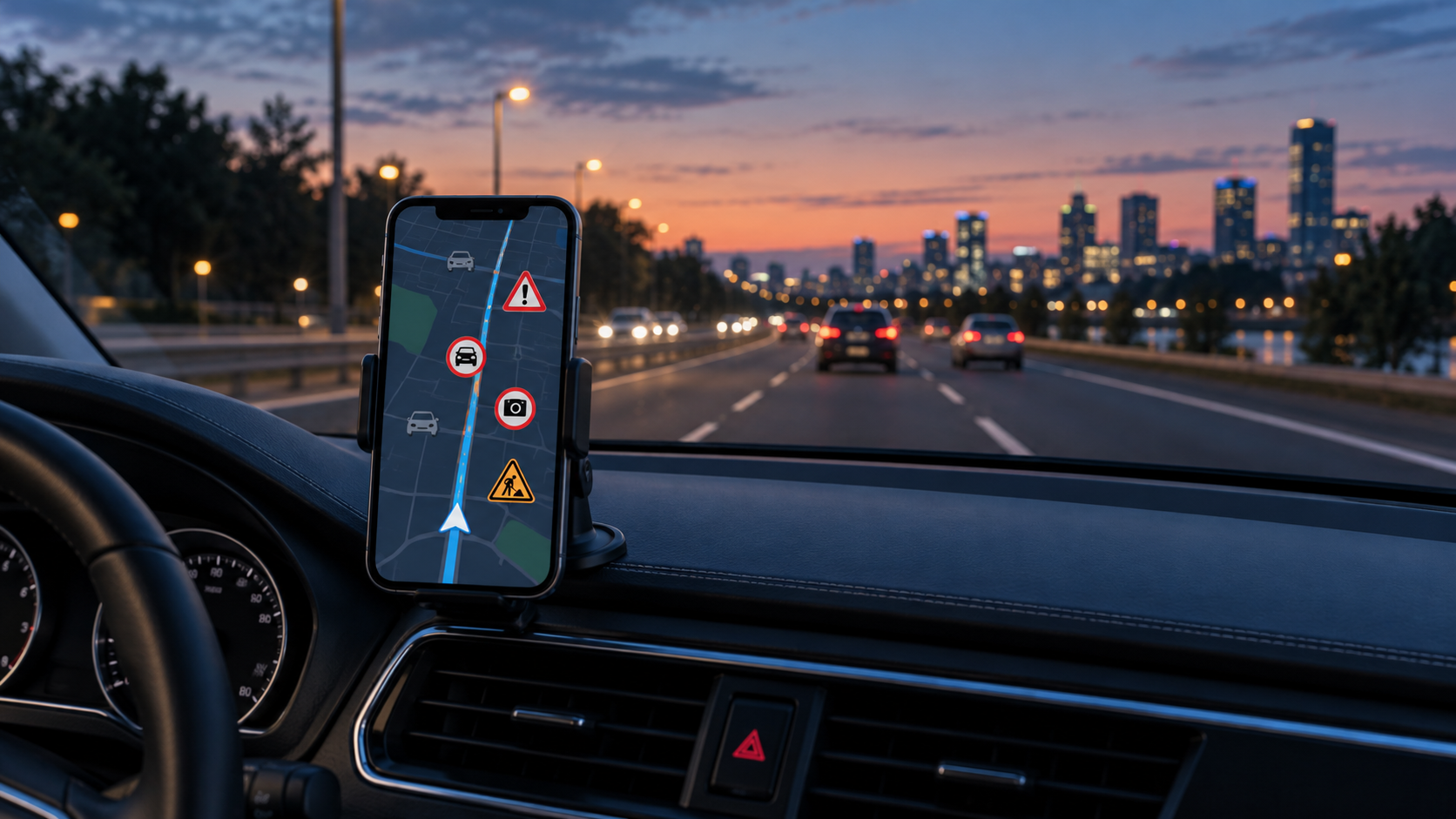
Speed camera and traffic alert apps help you check speed limits, traffic jams, accidents, and other situations along your route. Some options function as full-fledged navigation apps, while others can work in the background alongside a map app. Below you can download five options available on Google Play and compare their main features.
Radarbot
Radarbot specializes in alerting users about speed cameras, speed limits, and traffic conditions. The app uses the phone's location to compare the route with points registered in its database.
It can provide warnings about fixed speed cameras, traffic light cameras, tunnels, and sections with controlled average speeds. In some regions, there is also community-based information about possible mobile speed cameras and incidents on the road.
Alerts can be issued via voice, sound, or vibration. The user can adjust the distance of the alerts and choose the categories they wish to monitor. Radarbot can also run in the background alongside other navigation applications.

Radarbot: Radar Detector
Waze
Waze combines GPS navigation with information shared by a large community of drivers. The app calculates routes taking into account traffic congestion, accidents, roadworks, and road closures reported throughout the day.
During navigation, it can display speed limits, cameras, and other points of interest registered on the map. The integrated speedometer also allows you to track the speed calculated by the GPS.
One of Waze's main advantages is community-based updates. Drivers can report road problems and confirm existing alerts. The amount and speed of information depends on user activity in each region.

Waze – GPS and Live Traffic
Coyote
Coyote combines navigation, traffic information, and alerts related to road conditions. The community can report accidents, stopped vehicles, traffic jams, and areas with speed controls.
The records submitted by users go through the service's system before being distributed to the community. The app also displays speed limits and can suggest alternative routes when encountering heavy traffic.
Some Coyote features require a subscription. Advanced navigation, Android Auto integration, and additional tools may vary depending on the plan and country. It is recommended to check the current terms and conditions before subscribing.

Coyote: GPS, Radar & Traffic
Speed Camera Detector
The Speed Camera Detector features a map with speed cameras, traffic lights, monitored road sections, and other potential road hazards. The app can issue voice alerts to reduce the need to look at the screen.
Some functions can be used offline after the necessary data has been loaded. This can be useful on journeys with limited internet coverage, although community information and real-time updates depend on a connection.
The app uses a combination of registered points and community contributions. Therefore, the quality of alerts may vary between cities and countries.

Speed Radar
RadarMap
RadarMap was created to provide proximity alerts while another navigation app is being used. It can run in the background and notify you when your vehicle approaches registered points of interest.
The user can choose between voice, sound, vibration, or visual notifications. It is also possible to select which categories should remain active, helping to reduce alerts that are not relevant to the journey.
The database may include fixed cameras, traffic lights, sections with controlled average speed, and incidents reported by other users. The availability of categories depends on the region and the updating of information.

RadarMap - Radar Alerts
How to choose the best app
Before installing, check if the app has adequate coverage in your region. An internationally known tool may have few records in certain cities, while an option with an active local community may present more up-to-date information.
It's also important to decide whether you need full navigation or just alerts. Waze and Coyote offer route planning features, while Radarbot and RadarMap can complement another map application.
Check which features are free, which require a subscription, and which permissions are requested. Apps in this category typically need to access your location to calculate routes and identify nearby points of interest.
Laws regarding speed camera alerts vary between countries. A feature allowed in one region may be restricted in another. Check local regulations before using the app, especially when traveling internationally.
Configure alerts with the vehicle parked. While driving, do not change settings or handle your cell phone. The information displayed may be incomplete or outdated, therefore official signage, road markings, and the vehicle's dashboard should continue to be the primary references.