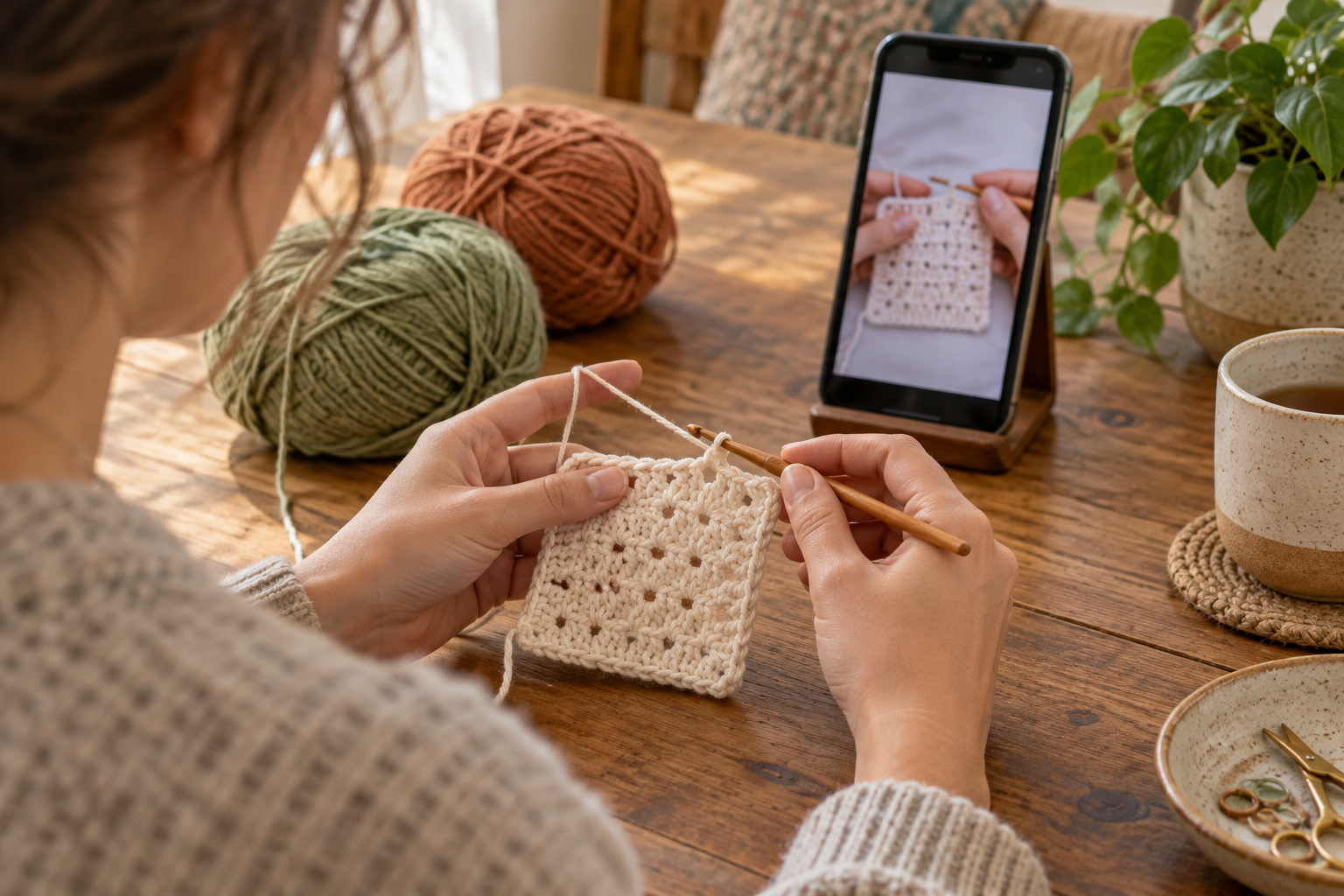
YarnPal, Ribblr, My Row Counter, Pocket Crochet, and Patternum offer different ways to support your crocheting experience. You can download them below after learning about each one's function. The selection brings together learning, patterns, and organization: not every app teaches stitches, and choosing according to your needs helps avoid unrealistic expectations.
YarnPal
YarnPal, from PIXELCELL, offers video tutorials, courses for beginners, and patterns at different levels. It's the option on this list most directly aimed at those looking for explanations to get started. The platform also includes tools to track progress and explore project ideas.
Before choosing a pattern, check the language, materials, and difficulty level. Practice a short section and assess whether the explanation is clear to you. The store indicates in-app purchases: do not assume that all courses and patterns are included in the initial access or available for free.

YarnPal - Crochet for beginners
Ribblr
Ribblr combines a crafting community with interactive digital patterns. Its ePatterns allow you to track your progress and consult project-specific instructions, including supporting videos when available. There are free and paid patterns, with options for crochet, knitting, and sewing; select the correct technique when searching.
This can be interesting for those who want to follow a piece and find works by different creators. Check the description of each pattern, as features and level of detail depend on the chosen content. Participating in a community does not mean receiving individual lessons or an immediate answer to every question.

Riblr - Crochet & Knitting
My Row Counter
My Row Counter, from Annapurnapp Technologies, helps track rows and repetitions. The official description includes various counters, recipe import, reading highlights, notes, and reminders associated with a row. It also advertises voice control and integration with Wear OS compatible watches.
Its main role is to support execution and organization, not to replace an explanation of how to do the point. Set when to update each counter and check the piece after interruptions. There are ads and in-app purchases; some features are identified as Premium, so check the terms and conditions before relying on them.

Knitting and Crochet Queue Counter
Pocket Crochet
Pocket Crochet, from RFSP, functions as a project organizer. It allows you to gather details, reference photos, yarn information, and imported patterns in PDF or image format. The description includes multiple counters per project and the ability to archive works, helping to separate pieces in progress from those already completed.
It's an alternative for those who get lost among scattered files, photos, and notes. When registering a piece, use a name you recognize and record any changes made to the pattern. It should not be presented as a crochet course. Google Play indicates in-app purchases, the terms and conditions of which must be consulted.

Pocket Crochet
Patternum
Patternum is geared towards creating and presenting crochet and knitting patterns. It offers fields for materials, measurements, gauges, and instructions by size, as well as tools for charts and content with text, images, or videos. Patterns can be shared and made available as PDFs.
This approach makes more sense when you can already describe the work you're developing. The editor helps structure a recipe, but it doesn't automatically transform an idea into tested instructions. Review counts, symbols, and measurements, make a sample, and test the sequence before sharing it with others.

Patternum - pattern creation
Which option suits you best?
If you want initial explanations, start by evaluating YarnPal. To follow creators' patterns, explore Ribblr. If you already have a pattern and need to track its progress, compare My Row Counter and Pocket Crochet. Patternum best serves the purpose of documenting and creating patterns. These functions can complement each other, but you don't need to install everything at the same time.
Choose a small project and test the tool during a real crochet session. Check the language, text size, compatibility, and payment terms. Protect important work information and respect authors' rights when importing or sharing patterns. The best digital support is the one that makes your practice clearer, without adding unnecessary tasks.